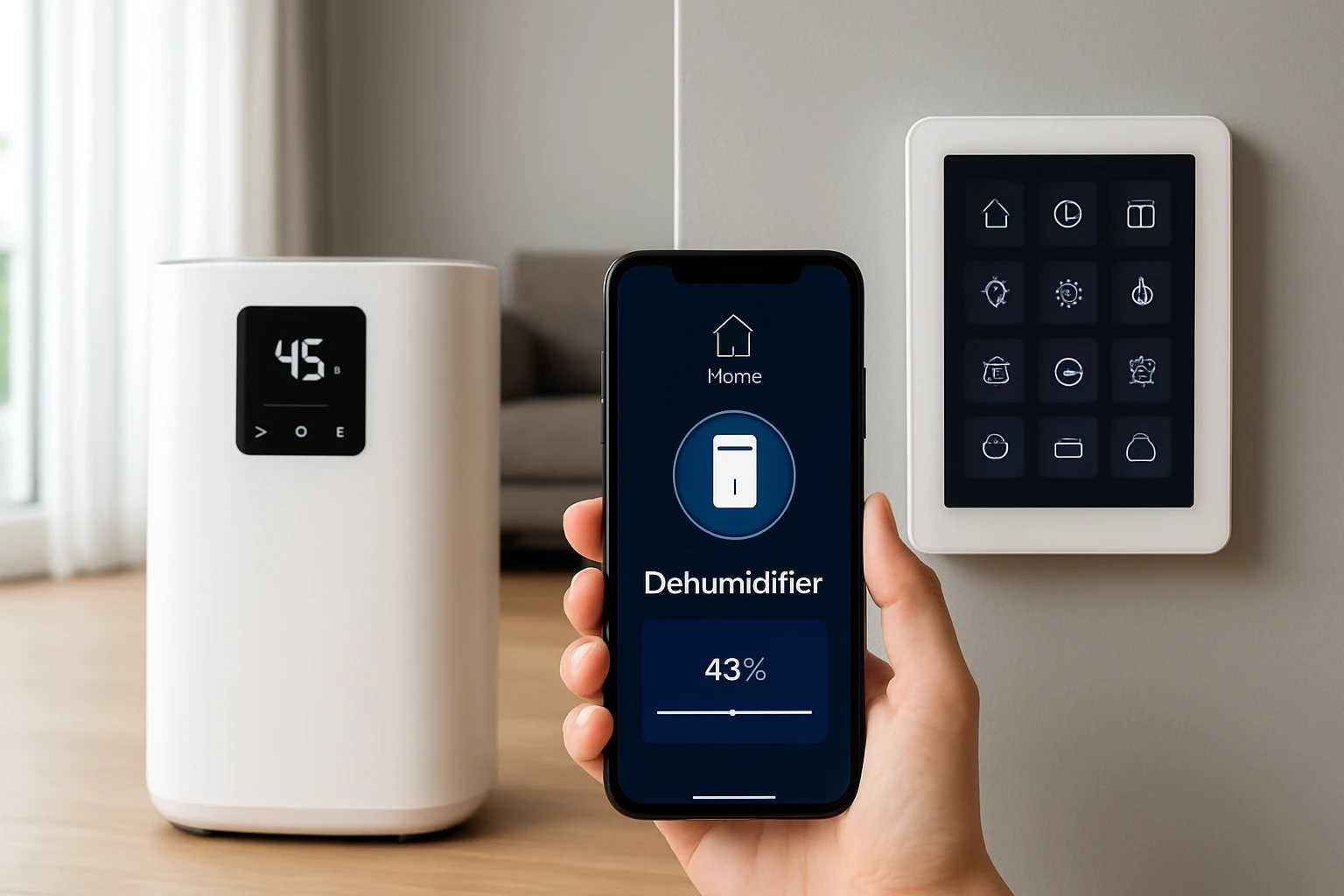
Complete Guide to Integrating a Smart Dehumidifier with Your Home Automation
Introduction
Maintaining optimal indoor humidity is essential for health, comfort, and the preservation of belongings. Modern smart dehumidifiers allow homeowners to monitor and control moisture levels remotely, integrating seamlessly with existing home automation ecosystems. This guide explains the underlying technology, outlines integration strategies, recommends proven products, and provides actionable best‑practice advice. Readers will finish with a clear roadmap for selecting, installing, and automating a dehumidifier that meets their specific environment.
Throughout the article, the discussion remains grounded in real‑world performance data, drawing from reputable Amazon listings. The recommendations are balanced; the guide offers value even to readers who choose not to purchase any of the featured devices.
Background and Context
Humidity is measured as a percentage of water vapor present in the air. When relative humidity (RH) exceeds 60 %, mold, dust mites, and structural damage become more likely. Conversely, RH below 30 % can cause dry skin and static electricity. Smart dehumidifiers combine a compressor or semiconductor condensation system with sensors, microcontrollers, and wireless connectivity to maintain a target RH automatically.
Key components include:
- Sensor array: High‑precision temperature and humidity probes that feed data to the controller.
- Control unit: A microprocessor that runs algorithms to decide when the compressor or fan should operate.
- Connectivity module: Wi‑Fi, Zigbee, or Bluetooth hardware that enables integration with platforms such as Alexa, Google Home, Apple HomeKit, or proprietary hubs.
- Power management: Features such as auto‑shutoff, low‑power standby, and energy‑star certification reduce electricity consumption.
When these elements are combined with cloud‑based mobile applications, users can view real‑time humidity graphs, receive alerts, and trigger actions based on schedules or sensor thresholds.
Understanding Smart Dehumidification
Smart dehumidifiers differ from traditional units in three primary ways: remote monitoring, automated decision‑making, and ecosystem integration. Remote monitoring allows the homeowner to check the current RH from a smartphone, even when away from home. Automated decision‑making uses predefined comfort ranges—often 45 %–55 % RH—to start or stop the compressor without manual intervention. Ecosystem integration enables the dehumidifier to cooperate with other devices, such as smart thermostats, humidity‑aware fans, or leak detectors.
Integration can be achieved through:
- Native app control: Manufacturers provide dedicated mobile applications that communicate directly with the device.
- Third‑party voice assistants: Alexa, Google Assistant, and Siri can issue commands like “set the dehumidifier to 50 % humidity.”
- Smart hubs: Platforms such as Philips Hue Bridge Pro expose dehumidifier status as a virtual sensor, enabling complex automations.
Choosing the right communication protocol is crucial. Wi‑Fi offers direct internet access but may increase network traffic. Zigbee and Thread provide low‑power mesh networking, ideal for homes already equipped with compatible hubs.
Integrating Dehumidifiers with Home Automation Platforms
Successful integration follows a systematic process: preparation, connection, configuration, and automation.
- Preparation: Verify that the home Wi‑Fi operates on a 2.4 GHz band, as most smart dehumidifiers do not support 5 GHz. Ensure the chosen hub (e.g., Philips Hue Bridge Pro) is powered and on the same network.
- Connection: Use the manufacturer’s app to add the device to the network. For example, the VIVOSUN D12 Dehumidifier pairs via the Vivosun app, after which it appears as a controllable entity in the hub’s device list.
- Configuration: Set the desired humidity range (typically 45 %–55 %). Enable auto‑shutoff and drainage preferences. Adjust notification settings to receive alerts when the water tank is full.
- Automation: Create rules such as “If living‑room humidity exceeds 60 %, turn on the dehumidifier and lower the thermostat by 2 °F.” Many platforms support conditional logic based on multiple sensors.
Below are product‑specific integration notes.
Product Recommendations
Each recommended model excels in a particular use case while offering reliable smart features.
VIVOSUN D12 Dehumidifier
The VIVOSUN D12 is designed for grow‑tents up to 5 × 5 ft, removing up to 12 L of moisture per day. It includes a high‑efficiency compressor, dual drainage options, and a built‑in temperature and humidity sensor probe. The unit connects to the Vivosun app, allowing remote adjustments and integration with the Vivosun Smart Grow System. At a price of $249.99, it holds a 4.3‑star rating from 44 reviews. Its 2‑L water tank shuts off automatically when full, and the device restarts after power interruptions, ensuring continuous operation.
ToLife 95oz Dehumidifier
The ToLife model targets residential spaces up to 950 sq ft, featuring semiconductor condensation technology for quiet operation (<30 dB in sleep mode). It offers two operating modes—Powerful and Sleep—plus a seven‑color LED ambient light that doubles as a night‑light. The 95‑oz tank includes automatic shutoff protection, and the compact chassis measures 8.27 × 5.55 × 13.78 in. Although price information was not provided, the product’s emphasis on low noise and visual ambiance makes it suitable for bedrooms and living rooms.
Waykar 120 Pint Dehumidifier
The Waykar unit is ENERGY STAR‑certified for spaces up to 6,000 sq ft, removing up to 120 pints per day under 95 °F and 90 % RH conditions. It features Auto Comfort Mode, which selects an optimal humidity set‑point based on temperature, and a 30–80 % adjustable range. The device operates quietly at 40 dB in low‑speed mode and includes a 1.24‑gal transparent tank with auto‑shutoff and a 3.3‑ft continuous drain hose. Priced at $274.47, it enjoys a 4.4‑star rating from 3,951 reviews, making it a strong candidate for whole‑home humidity management.
Erizolt 96oz Dehumidifier
The Erizolt model offers 75 W power with a daily removal capacity of 35 oz, suitable for rooms up to 1,000 sq ft. It includes three fan speeds, an auto‑shutoff sensor, a sleep mode below 30 dB, and a 24‑hour timer. Additional comforts include an activated carbon filter, negative ion emission, and an auto‑defrost function for colder climates. At $69.99, it holds a 4.8‑star rating from seven reviews, positioning it as an affordable solution for bathrooms, closets, or small offices.
Philips Hue Bridge Pro
The Philips Hue Bridge Pro serves as a universal smart‑home hub, supporting up to 150 lights and 50 accessories. Its 1.7 GHz quad‑core processor and 8 GB DDR4 RAM enable rapid response times and AI‑driven automations. The bridge incorporates Zigbee Trust Center security, ensuring encrypted communication with connected devices. Although not a dehumidifier, it provides the necessary backbone for integrating the aforementioned smart dehumidifiers into a cohesive automation scenario.
Comparison and Selection Guide
Choosing the right dehumidifier depends on three primary criteria: coverage area, smart‑integration capabilities, and budget.
| Model | Coverage | Smart Features | Noise Level | Price | Rating |
|---|---|---|---|---|---|
| VIVOSUN D12 | Up to 5 × 5 ft grow tent | Vivosun app, sensor probe, remote control | Not specified (compressor unit) | $249.99 | 4.3/5 (44 reviews) |
| ToLife 95oz | Up to 950 sq ft | App‑free control, auto shut‑off, LED ambience | <30 dB (sleep mode) | Price not listed | Not listed |
| Waykar 120 Pint | Up to 6,000 sq ft | Auto Comfort Mode, timer, Alexa/Google integration | 40 dB (low‑speed) | $274.47 | 4.4/5 (3,951 reviews) |
| Erizolt 96oz | Up to 1,000 sq ft | App‑free, auto shut‑off, sleep mode, auto‑defrost | <30 dB | $69.99 | 4.8/5 (7 reviews) |
For growers requiring precise humidity control in confined spaces, the VIVOSUN D12 offers sensor‑driven accuracy. Homeowners with large basements or whole‑house needs should consider the Waykar 120 Pint for its ENERGY STAR efficiency and extensive coverage. Budget‑conscious users seeking quiet operation in a bathroom or closet will find the Erizolt 96oz an excellent entry point.
Best Practices & Tips
- Place the unit centrally: Position the dehumidifier where airflow can circulate freely, avoiding corners that restrict air movement.
- Use continuous drainage when possible: Connect the built‑in drain hose to a floor drain or condensate pump to eliminate manual emptying.
- Calibrate sensors periodically: Ambient temperature can drift; compare the device’s reading with a calibrated hygrometer quarterly.
- Integrate with HVAC: Pair the dehumidifier with a smart thermostat so that heating or cooling cycles complement moisture removal, reducing overall energy use.
- Leverage automation triggers: Create scenes such as “Night Mode” that lower humidity to 45 % while dimming lights via the Philips Hue Bridge Pro.
- Monitor energy consumption: Use a smart plug with power‑monitoring capabilities (e.g., Govee Smart Plug Pro) to verify that the unit operates within its advertised wattage.
- Maintain filters and coils: Clean the air filter monthly and inspect the condenser coil annually to preserve efficiency.
Frequently Asked Questions
- Can a smart dehumidifier operate without Wi‑Fi? Yes. Most units include a manual mode that functions like a traditional dehumidifier. However, remote monitoring and automation require network connectivity.
- What humidity level is optimal for most homes? A range of 45 %–55 % RH balances comfort, health, and energy efficiency. The exact set‑point may vary based on climate and personal preference.
- Do smart dehumidifiers increase electricity bills? Energy‑star certified models, such as the Waykar 120 Pint, consume up to 45 % less power than comparable non‑smart units. Using auto‑mode and scheduling further reduces consumption.
- Is it safe to run a dehumidifier continuously? Modern units feature auto‑shutoff when the water tank is full and overload protection. Continuous operation is safe as long as the device is placed on a stable, level surface.
- How does a dehumidifier interact with a smart hub? The hub treats the dehumidifier as a virtual sensor or switch. Automation rules can read humidity data and trigger actions, such as turning on a fan or adjusting thermostat set‑points.
- Can I control a dehumidifier with voice commands? Devices that expose an Alexa or Google Assistant skill—like the Waykar 120 Pint—respond to commands such as “Set the dehumidifier to 50 % humidity.”
- What maintenance is required? Empty the water tank regularly (or use continuous drainage), clean the filter, and inspect the condensate pump if applicable. Annual coil cleaning maintains performance.
Conclusion
Integrating a smart dehumidifier into a home automation system empowers users to maintain healthy indoor humidity with minimal effort. By understanding sensor technology, selecting a device that matches coverage needs, and leveraging a robust hub such as the Philips Hue Bridge Pro, homeowners can create responsive environments that adapt to seasonal changes and daily routines. The products highlighted in this guide illustrate the spectrum from compact, quiet units to whole‑house, ENERGY STAR‑certified solutions, ensuring that every reader can find a suitable match.
Adhering to best‑practice recommendations—central placement, continuous drainage, regular sensor calibration, and strategic automation—maximizes efficiency and prolongs equipment life. With these insights, one can confidently implement a smart dehumidification strategy that enhances comfort, protects assets, and reduces energy costs.
Products Featured in This Guide
VIVOSUN D12 Dehumidifier
Price: $249.99 | Rating: 4.3/5 (44 reviews)
Featured for its precise sensor‑driven humidity control, dual drainage options, and seamless integration with the Vivosun app—ideal for growers and small‑space environments.
ToLife 95oz Dehumidifier
Price: Not listed | Rating: Not listed
Featured for its ultra‑quiet semiconductor condensation technology, dual operating modes, and ambient LED lighting—making it well‑suited for bedrooms and living areas.
Waykar 120 Pint Dehumidifier
Price: $274.47 | Rating: 4.4/5 (3,951 reviews)
Featured for its ENERGY STAR certification, large coverage area up to 6,000 sq ft, and Auto Comfort Mode that automatically selects optimal humidity levels.
Erizolt 96oz Dehumidifier
Price: $69.99 | Rating: 4.8/5 (7 reviews)
Featured for its affordability, quiet sleep mode, auto‑defrost capability, and carbon filter that removes odors—ideal for small rooms, closets, and RVs.
Philips Hue Bridge Pro
Price: Not listed | Rating: Not listed
Featured as the central hub that enables secure, fast communication between smart dehumidifiers and other Zigbee‑compatible devices, supporting advanced automations.